Open the Marketplace listing
Find Clip Path Generator in Miro Marketplace. Follow Miro’s prompts to add or open the app; your workspace administrator may control app installation.
CLIP PATH FOR MIRO
Bring shaped images into the board where ideas come together. Discover Clip Path Generator for visual research, moodboards and collaborative compositions in Miro.
FROM SOURCE TO COMPOSITION
Find Clip Path Generator in Miro Marketplace. Follow Miro’s prompts to add or open the app; your workspace administrator may control app installation.
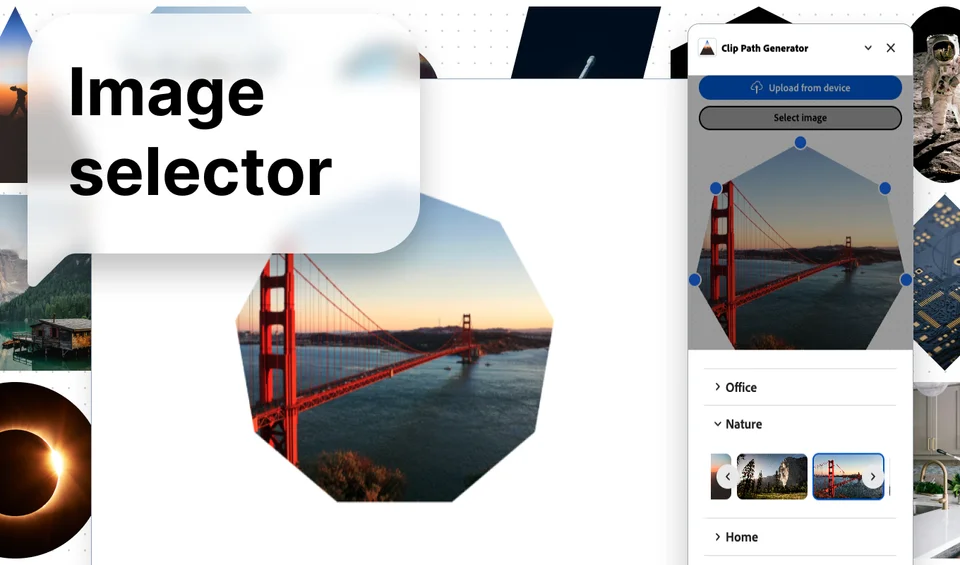
Open the destination board and launch the app. Use its image and shape controls to prepare the clipped result for your composition.
Add the result to the board and inspect the crop at the scale your collaborators will see. Arrange it with notes, references and other board content.
Use shaped references to build a visual direction or highlight a subject. Keep the source context nearby when collaborators need to understand where a reference came from.
Add visual cues to a workshop area or group related imagery with a common shape treatment. Test readability at the zoom level used during the session.
Choose the Miro app when the result belongs on a collaborative board. The web editor is useful for standalone assets; browser extensions capture webpages before clipping. The Miro app is separate from the Figma and Adobe Express editions.
CURRENT LICENSE COVERAGE · Compare licenses
Your Miro Clip Path Generator Gumroad key unlocks the Miro app plus companion web and Chrome/Firefox access. Browser access does not consume an extra native-plugin seat. Figma and Adobe Express remain separate native editions.
Miro workspace settings can restrict app installation. Follow the Marketplace prompts or ask your workspace administrator if installation is unavailable.
No. The native host editions remain separate. Shared browser coverage does not unlock the other native hosts.
New to image clipping? Learn how to shape an image or choose the right export format.