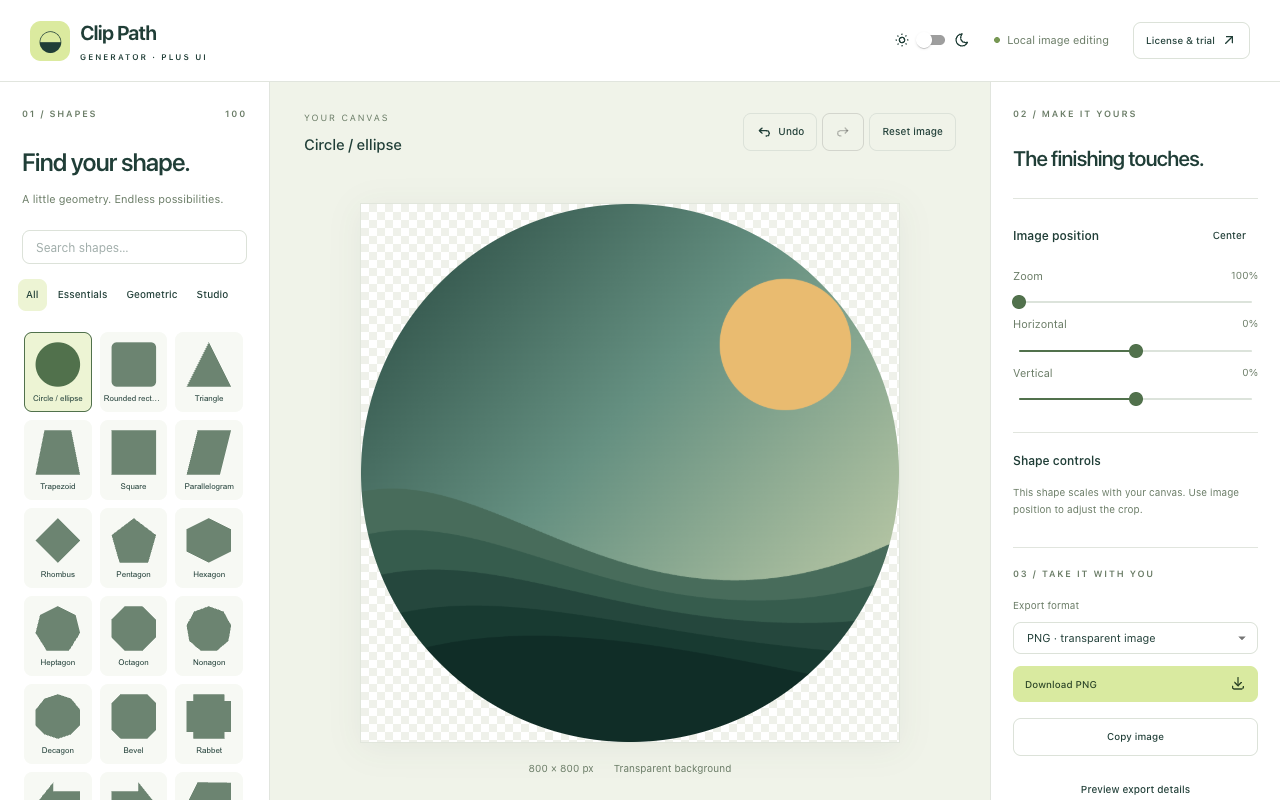
 Web editor
No installation
Web editor
Upload, paste or drop an image, choose a shape and export PNG, SVG or HTML/CSS. Images are processed locally.
Five trial exports per installation.
ONE FAMILY. SIX WAYS TO CREATE.
Start with the place you work. Open the web editor, capture with a browser extension, or create inside Figma, Adobe Express or Miro.
Compare current license coverage →Web editorNo installation
Upload, paste or drop an image, choose a shape and export PNG, SVG or HTML/CSS. Images are processed locally.
Five trial exports per installation.
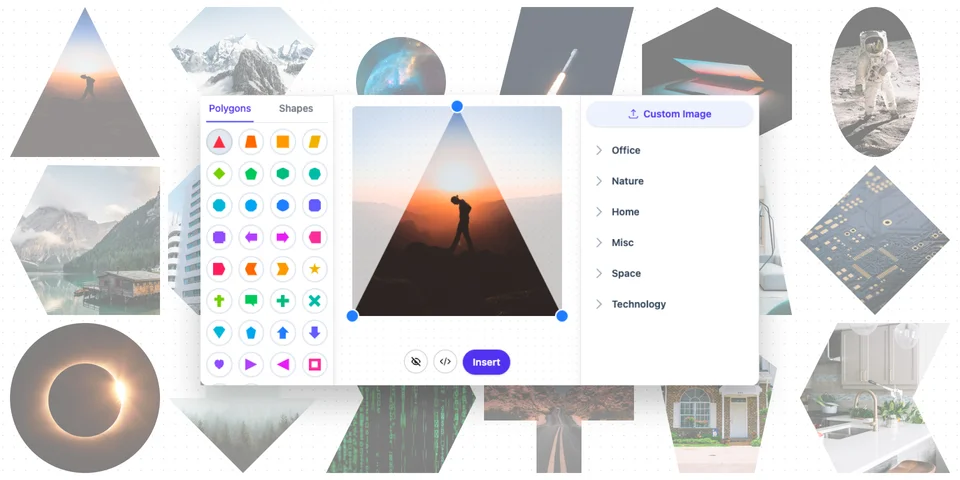 Figma plugin
Design in context
Shape images inside your design workflow and bring the clipped result into your Figma canvas.
See setup, workflow and current license coverage.
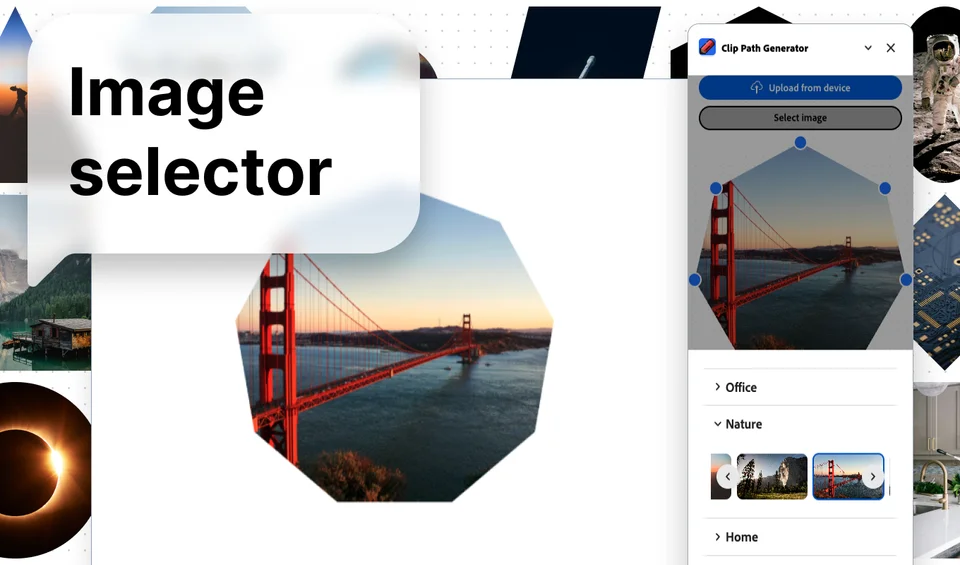 Adobe Express add-on
Compose in Express
Bring custom-shaped images into social posts, presentations and other Adobe Express compositions.
See the add-on and its current browser license coverage.
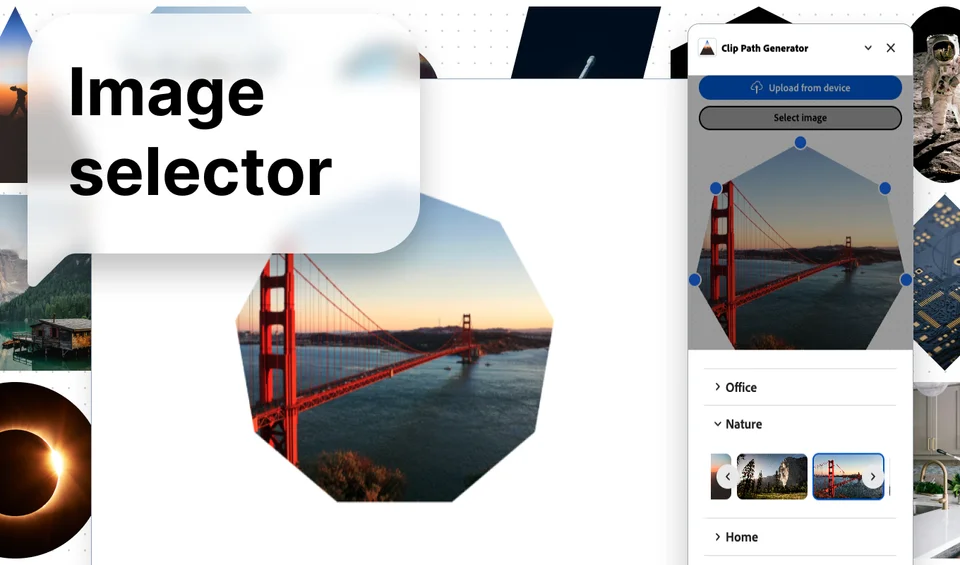 Miro app
Create on a board
Use shaped images in moodboards, workshops and visual collaboration without changing your destination board.
See app setup and current Miro license details.
Chrome extensionCapture from the web
Capture a webpage or selected element in Chrome, then shape the screenshot and export from the browser editor.
Chrome Web Store installation available below.
Firefox extensionCapture from the web
Use the Firefox capture workflow to turn webpages or selected elements into clipped image assets.
Firefox Add-ons installation available below.
FIND THE RIGHT FIT
Need help choosing? Compare the current licenses, read a practical guide or ask us about your setup.